
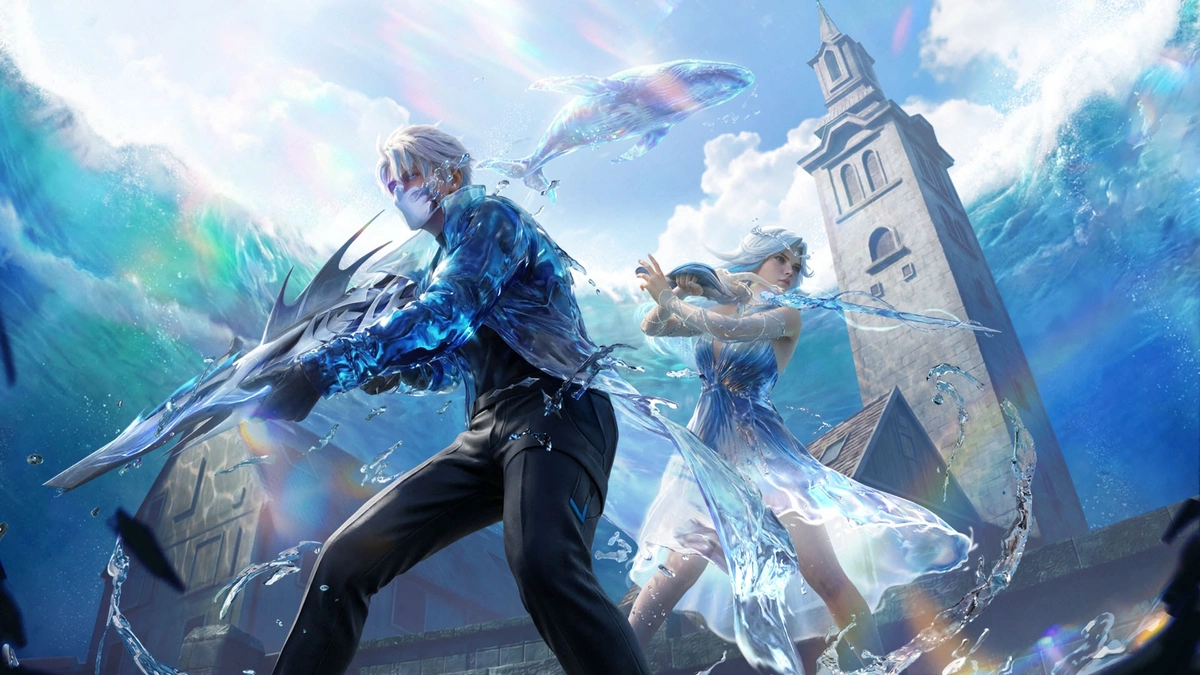
The Free Fire OB53 update has officially arrived, bringing a massive wave of fresh content under the “Undersea Mystery” theme. This patch introduces the highly anticipated Hydro Zone in Bermuda, a revamped M24 upgrade system, and the unique Fishing Pond mechanic that lets you net buffs while taking a break from the heat of battle. Check out the Free Fire OB53 Update Download Links below.
Free Fire OB53 Update Download Links (Android & iOS)
To enjoy the new features without lag or compatibility issues, follow these official steps to update your game through the authorized app stores.
For Android Users (Google Play Store)
Open the Google Play Store: Locate and tap the Play Store icon on your home screen or app drawer. Search for “Free Fire”: Use the search bar at the top and type “Free Fire” or “Free Fire MAX.” Select the Game: Tap on the official Garena Free Fire result from the list. Or Click Here Tap “Update”: If the update is live in your region, you will see a green Update button. Tap it to begin the download. Note: If you only see “Play,” try clearing your Play Store cache or waiting a few minutes for the rollout to reach your device. Launch & Log In: Once the installation hits 100%, tap Open to enter the game and download any additional in-game resource patches.Also Read:
Free Fire OB53 Update Download Links Are Now Available Free Fire MAX Redeem Codes Today April 8 Indian Server Bring Free Rewards Free Fire MAX OB53 Download Date, Features, and More TEZ FFMIC 2026 Grand Finals: The Gateway to Free Fire MAX Asia Invitational 2026 Spring TEZ FFMIC 2026 Spring Grand Finals Tickets Are Live NowFor iOS Users (Apple App Store)
Launch the App Store: Open the App Store on your iPhone or iPad. Access Your Profile: Tap on your Profile Icon (top right corner) to see the list of pending updates. Or Click Here for direct game listing page. Refresh the List: Pull down on the “Upcoming Automatic Updates” screen to refresh and check for the latest version. Find Free Fire: Scroll down until you see Garena Free Fire and tap the Update button next to it. Alternatively, search for “Free Fire” manually in the Search tab and tap the Update button on the game page. Complete Installation: Wait for the download to finish, then tap Open to start your OB53 journey.Quick Tips for a Smooth Up
Storage Space: Ensure you have at least 1.5 GB to 2 GB of free space to accommodate the new assets. Connection: Use a stable Wi-Fi connection to avoid data charges and interrupted downloads. Maintenance: If the servers say “Maintenance,” please be patient. The update files may be available, but the game servers usually take a few hours to go live globally.Free Fire OB53 Update Download Links Are Now Available Inside Sport India.
Hence then, the article about free fire ob53 update download links are now available was published today ( ) and is available on Inside sport ( Middle East ) The editorial team at PressBee has edited and verified it, and it may have been modified, fully republished, or quoted. You can read and follow the updates of this news or article from its original source.
Read More Details
Finally We wish PressBee provided you with enough information of ( Free Fire OB53 Update Download Links Are Now Available )


Also on site :
- Preseason Pre-Gamin’: Bulls at Nuggets (8:00 PM CT) – Projected Lineups, How to Watch, More
- Cole Beaudoin back with Rangers two days after demotion — and there’s a reason why
- Magic Johnson ‘in total disbelief’ after Commanders’ clock flub against Giants