
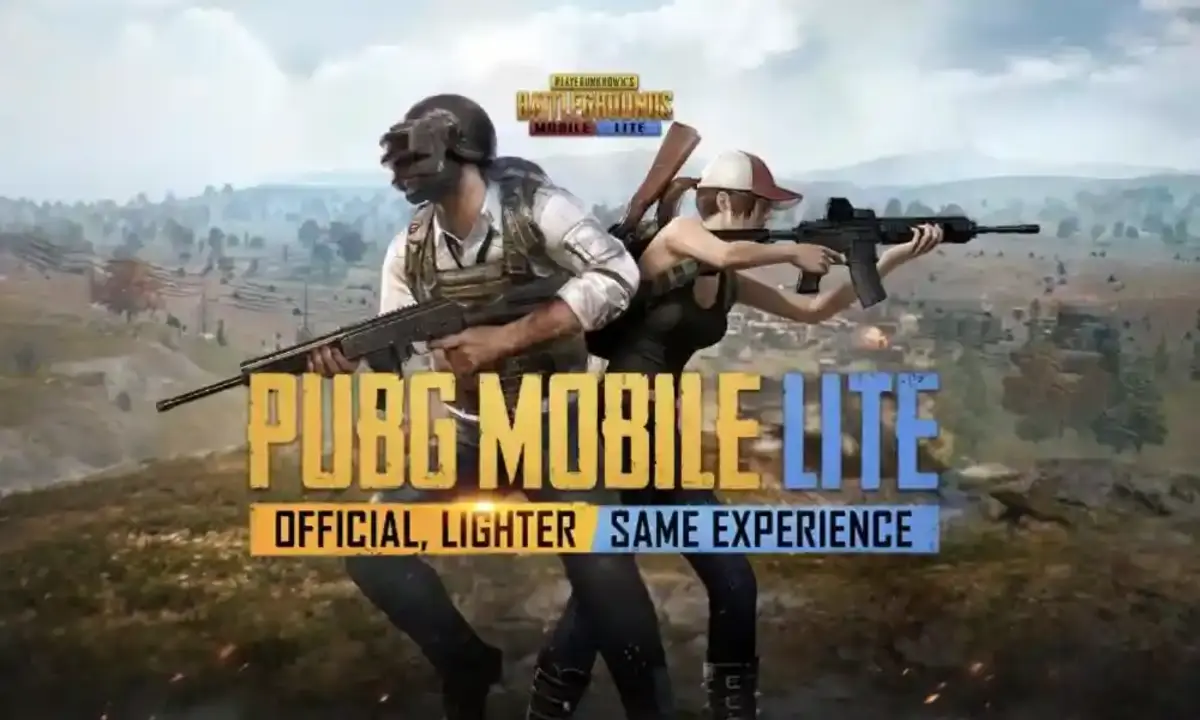
PUBG Mobile Lite is the streamlined veruon of PUBG Mobile. It is designed for the devices with low specifications such as lower RAM and Storage. Check out the guide to PUBG Mobile Lite Apk Download below.
PUBG Mobile Lite is region-specific. If you are in a country where the game is restricted (e.g., India), it will not be available on the Google Play Store. Players in these regions typically use the region-specific version (e.g., BGMI in India) or must access the game through the official website if permitted by local regulations.
PUBG Mobile Lite Apk Download – Guide
Method 1: Official Website (APK Download) – This is the most reliable method if you cannot find the game on the Play Store but are in a supported region. It ensures you get the safe, virus-free file directly from the developers.
Visit the Official Site: Open your mobile browser (Chrome, etc.) and go to www.pubgmlite.com. Download the APK: Locate and tap the “APK Download” button on the homepage. Note: The file size is typically around 700 MB. Ensure you have enough storage space. Enable Unknown Sources: Once the download finishes, tap the file to install. If your phone blocks it: Go to Settings > Safety/Privacy > Install Apps from Unknown Sources. Toggle it ON for your browser or file manager. Install & Play: Tap the file again to complete the installation. Open the app and log in to play.ALSO READ –
PUBG Mobile 4.2 Update Download Link Is Out Now, Check Steps PUBG Mobile 4.2 Apk Download Is Now Live For Android Users PUBG Mobile KR 4.2 Update Download Links Are Available Now PUBG Mobile Lite Apk Download Guide – Follow Steps To DownloadMethod 2: Google Play Store (Standard)
The easiest method for supported regions. Open the Google Play Store on your Android device. Search for “PUBG Mobile Lite” in the search bar. Tap on the official app published by Level Infinite or Tencent Games. Tap “Install”. The game will automatically download and install.PUBG Mobile Lite Download: System Requirements
To run the game smoothly, your device should meet these minimum specs: Operating System: Android 4.1 or higher RAM: At least 1 GB (2 GB recommended for lag-free experience) Free Storage: Minimum 600 MB – 1 GB free spaceTroubleshooting
“App Not Installed” Error: This usually means you don’t have enough storage space or you have an older version of the game installed. Uninstall the old version and try again. Server Error/Restricted Area: If the game installs but says “Server is busy” or restricts access, it typically means the game is blocked in your current region.PUBG Mobile Lite Apk Download Guide – Follow Steps To Download Inside Sport India.
Hence then, the article about pubg mobile lite apk download guide follow steps to download was published today ( ) and is available on Inside sport ( Middle East ) The editorial team at PressBee has edited and verified it, and it may have been modified, fully republished, or quoted. You can read and follow the updates of this news or article from its original source.
Read More Details
Finally We wish PressBee provided you with enough information of ( PUBG Mobile Lite Apk Download Guide – Follow Steps To Download )


Also on site :
- Red Bull admits RB22 launch problems will persist until 2027
- Cubs Farm Director Jason Kanzler is Getting Along Pretty Far in the Process for the Mariners’ Managerial Gig
- Seniors Enter Transfer Portal Across the Country Seeking 5th Years With New NCAA Five-For-Five Policy