
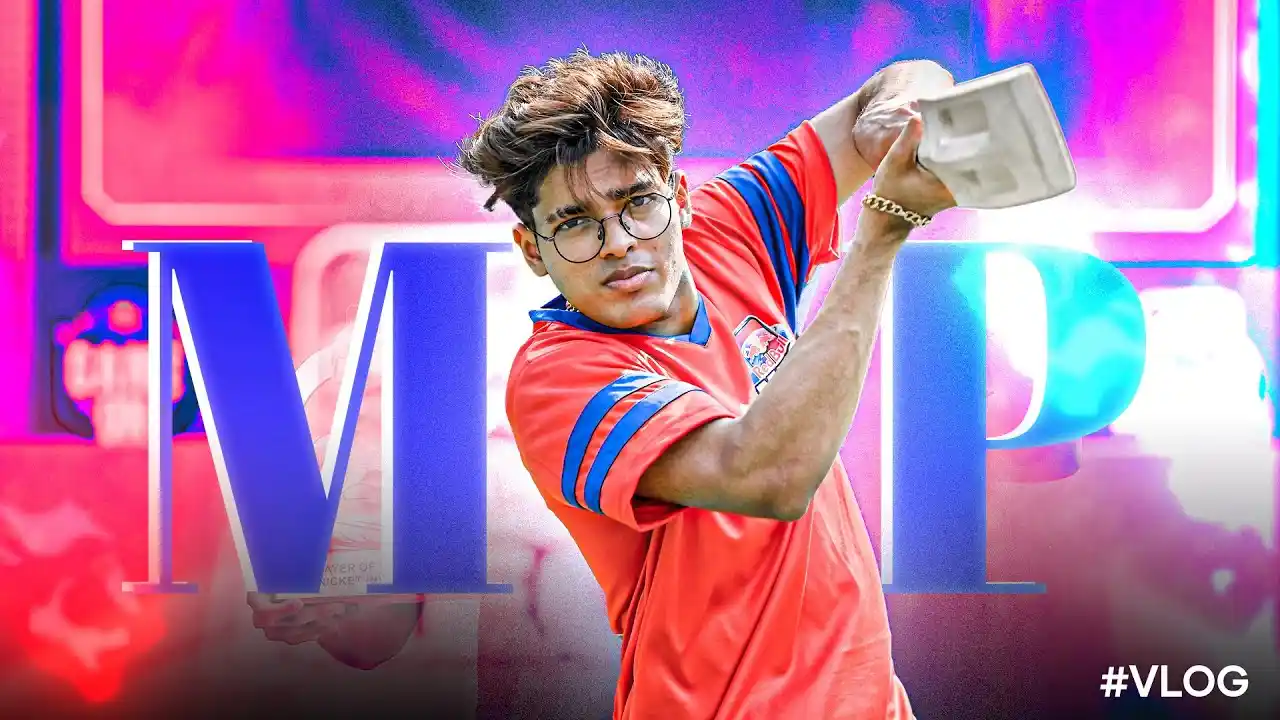
When it comes to the Indian mobile gaming scene, Jonathan Jude Amaral, famously known as Jonathan Gaming, is a name that commands respect. Renowned for his god-level reflex and laser-like spray, many aspiring pro players look to his setup for inspiration.
While most competitive players prefer a 4-finger or 5-finger claw, Jonathan had mastered the two-finger thumb playstyle, proving that comfort and precision often trump complexity.
However, as the competition has evolved, even the Universal MVP has adapted his setup to 3 finger claw setup to stay at the top. Below is a comprehensive look at the Jonathan Gaming 3-finger claw setup, his BGMI ID, and the exact settings he uses to dominate the lobby.
Jonathan Gaming 3 Finger Claw Setup and Jonathan Gaming Controls
For the longest time, Jonathan was famous for being a Two-Finger Thumb player. In a world full of 5- and 6-finger claw users, his ability to out-aim everyone using just his thumbs and high-sensitivity gyroscope was considered “God Level.” Below is his updated three-finger claw style.
Now he is using his left index finger to switch between TPP and FPP. Left Thumb (Bottom Left) is still used as a joystick for movement or Jiggle. Right Thumb on Bottom right is still getting used as previously, e.g., for fire, scope on/off, peak, crouch, and more.Jonathan Gaming BGMI ID
If you want to check out his stats, achievements, or current rank in-game, you can search for him using his official UID.
Jonathan Gaming’s BGMI ID is 5112616229 In-Game Name (IGN): GxdLJONATHAN03Jonathan Gaming Sensitivity Settings
Camera Sensitivity (Free Look)
TPP (Character, Vehicle) – 100% Camera – 100% FPP (Character) – 100%Camera Sensitivity
TPP No Scope – 110% FPP No Scope – 110% Red Dot, Holo, Iron Sight, and Canted Sight – 88% 2x Scope – 88% 3x Scope – 24% 4x Scope – 24% 6x Scope – 12% 8x Scope – 10% TPP Aim – 120% FPP Aim – 120%ADS Sensitivity
TPP No Scope – 110% FPP No Scope – 110% Red Dot, Holo, Iron Sight, and Canted Sight – 88% 2x Scope – 88% 3x Scope – 24% 4x Scope – 24% 6x Scope – 12% 8x Scope – 10% TPP Aim – 120% FPP Aim – 120% Gyroscope Sensitivity TPP No Scope – 300% FPP No Scope – 300% Red Dot, Holo, Iron Sight, and Canted Sight – 300% 2x Scope – 300% 3x Scope – 240% 4x Scope – 260% 6x Scope – 240% 8x Scope – 85% TPP Aim – 120% FPP Aim – 120%ADS Gyroscope Sensitivity
TPP No Scope – 300% FPP No Scope – 300% Red Dot, Holo, Iron Sight, and Canted Sight – 300% 2x Scope – 300% 3x Scope – 240% 4x Scope – 260% 6x Scope – 240% 8x Scope – 85% TPP Aim – 80% FPP Aim – 80%Read More about BGMI
BGMI Redeem Codes Today February 6 Offer Labyrinth Scale M24 BGMI 4.3 Update Leaks Reveal Passive Skills Mode With Five Skills BGMI Lite Release Date 2026? Krafton Surveys Spark Launch Speculation BGMI 4.3 Update Release Date (Expected) and New Features Leaked Best Zero Recoil Sensitivity Codes for BGMI in 2026Fundamental Settings
Display Left-Side Fire Button – Always On Bolt Action Rifle & Crossbow Firing Mode – Tap Shotgun Firing Mode – Tap Scope Mode – Hold Camera Rotation while ADS – Enable Quick Scope Switch – Enable Canted Sight Button – Tap to Switch Focal Length Adjustment – Tap Peek – Enable Peek Mode – Hold Peek & Open Scope – Disable Camera Rotation While Leaning – Enable Universal Mask – Enable Mark Assist – Enable Headshot Sound Effect – Enable Jump/Climb – Separate Merge Crouch and Prone – Disable Quick Throw – Enable Throwanbles Quick Wheel – Switch Throw Consumables – Disable Transparent UI Mode – Disable Slide (Arena) – Enable FPP Swap – Enable FPP Dynamic Holding – Enable TPP – 80 Sprint Sensitivity – 100% FPP – 90 Mark Style – Classic Aim Assist – Disable Main Screen Audio Markers – Only in Aftermath Auto- Mark Hit Locations – Enable Healing Prompt – Enable Continuously Use Bandages – Enable Auto Open Doors – Enable Blocked Sight Warning – Enable Horizontal Swipe Accelerations – Enable Match Auto Message – Enable Hold to Open Map – Disable Show Throwables Trajectory Line – Enable Auto Equip Melee Weapon (Put Away Firearm) – Disable Default Melee Weapon Carried – Dagger Reload Interrupt Method – Fire Interrupt Auto Jump – Disable Tap to Mark Location – Disable Default Parachute Follow – EnablePro Tip: Jonathan often plays with Aim Assist Disabled during practice and certain matches to sharpen his raw aiming skills. If you are a beginner, you might want to keep this enabled until you master the Gyroscope.
Jonathan Gaming 3 Finger Claw Setup: Controls, Settings, And More Inside Sport India.
Hence then, the article about jonathan gaming 3 finger claw setup controls settings and more was published today ( ) and is available on Inside sport ( Middle East ) The editorial team at PressBee has edited and verified it, and it may have been modified, fully republished, or quoted. You can read and follow the updates of this news or article from its original source.
Read More Details
Finally We wish PressBee provided you with enough information of ( Jonathan Gaming 3 Finger Claw Setup: Controls, Settings, And More )


Also on site :
- Arsenal vs Everton Today: Live Streaming, Kick-Off Time and Channels
- Como 1907 vs. Sassuolo Prediction, Picks, Live Odds – Oct. 24
- The Search for Catholic Community Doesn't Have to End at Sunday Mass